
2025-12-12

SECURITY HINTS & TIPS:
Cybersecurity vs. the Holidays
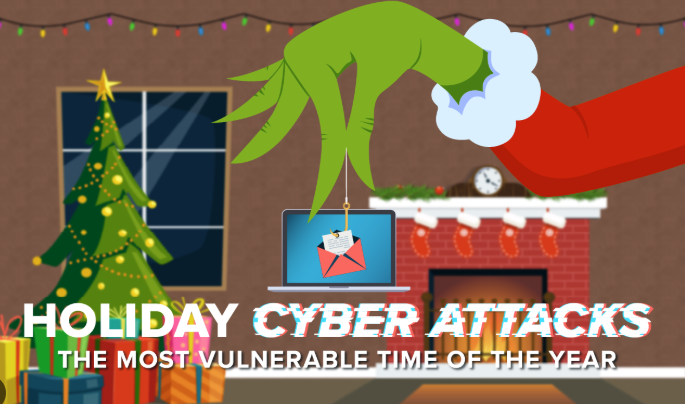
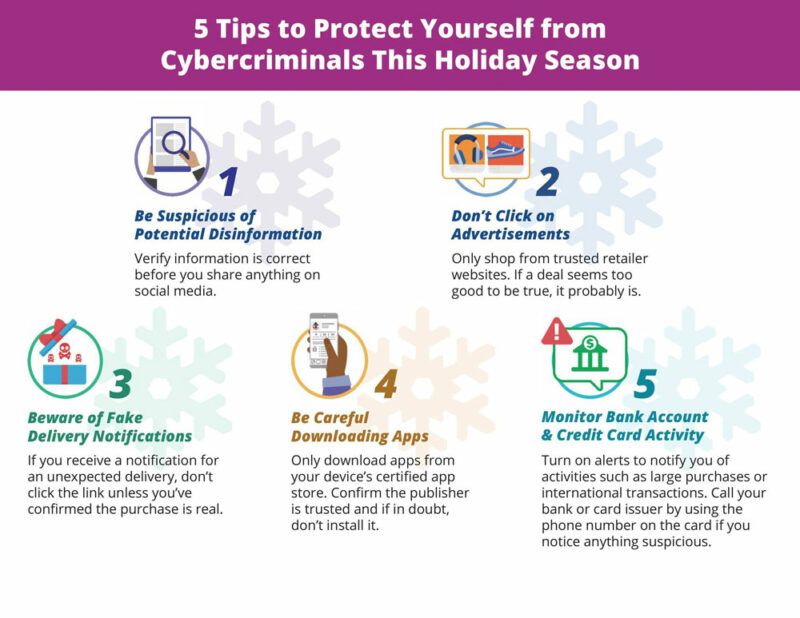
The holiday season brings joy, celebration, and, unfortunately, a surge in cybersecurity threats. Cybercriminals exploit the increased online activity during this time, targeting shoppers, employees, and organizations with sophisticated phishing campaigns and malicious links.
Why Cybercriminals Target the Holidays?
The holiday season creates the perfect storm for cybercrime. Understanding why attackers choose this time can help you stay vigilant:
- Increased online shopping: More transactions mean more opportunities for fake purchase confirmations, shipping notifications, and order alerts.
- Distracted users: Holiday stress and busy schedules reduce caution when clicking links or opening emails.
- Urgent messaging works: “Last-minute deals” and “expiring offers” create pressure to act quickly without thinking.
- Charitable giving season: Fake charity campaigns exploit generosity and goodwill.
- Remote work vulnerabilities: Employees working from home during holidays may use less secure devices or networks, which can increase the risk of data breaches.
- Mobile device reliance: Users increasingly check emails on smartphones for convenience during the busy holiday season, making them more susceptible to attacks since mobile screens make it harder to inspect links and spot red flags
Before Interacting, Ask These Questions:
- Am I using my phone? Convenience does not forgo due diligence
- Was I expecting this email? Unsolicited messages are red flags, especially those that create a sense of urgency.
- Does the sender address look legitimate? Check for misspellings, extra characters, or suspicious domains (e.g., “amazo0n.com” vs “amazon.com”).
- Is the message creating artificial urgency? “Act now,” “Limited time,” “Account suspended” are pressure tactics.
- Are there grammar or spelling errors? Professional companies rarely send messages with obvious mistakes.
- Does the link destination match the claimed sender? Hover over links (don’t click!) to preview the URL. Legitimate companies use their official domains.
How to Safely Examine Links
- Hover, don’t click: Place your mouse over the link to see the actual URL in the bottom corner of your browser or email client. Do not do this from mobile phones.
- Check for HTTPS: Legitimate sites use secure connections, but note that HTTPS alone doesn’t guarantee safety—scammers can also use it.
- Look for URL shorteners: Services like bit.ly or tinyurl hide the real destination. Use URL expander tools before clicking.
- Verify the domain carefully: Scammers use similar-looking domains (paypa1.com instead of paypal.com, or amaz0n-security.com).
When in doubt, go direct: Type the company’s official URL into your browser instead of clicking email links.
Real vs. Fake: Spot the Difference
Learn to identify suspicious links with these real-world examples:
| ✓ LEGITIMATE | ✗ SUSPICIOUS |
|---|---|
| tracking.amazon.com | amazo0n-tracking.com |
| fedex.com/track | fedex-delivery-update.info |
| microsoft.com/security | micr0soft-account-alert.com |
| manitoulintransport.com | man1toul1ntransport.com |
Manitoulin Group of Companies Security Team
Cybersecurity@manitoulingroup.
Stop, Look, and Think. Don’t be fooled.